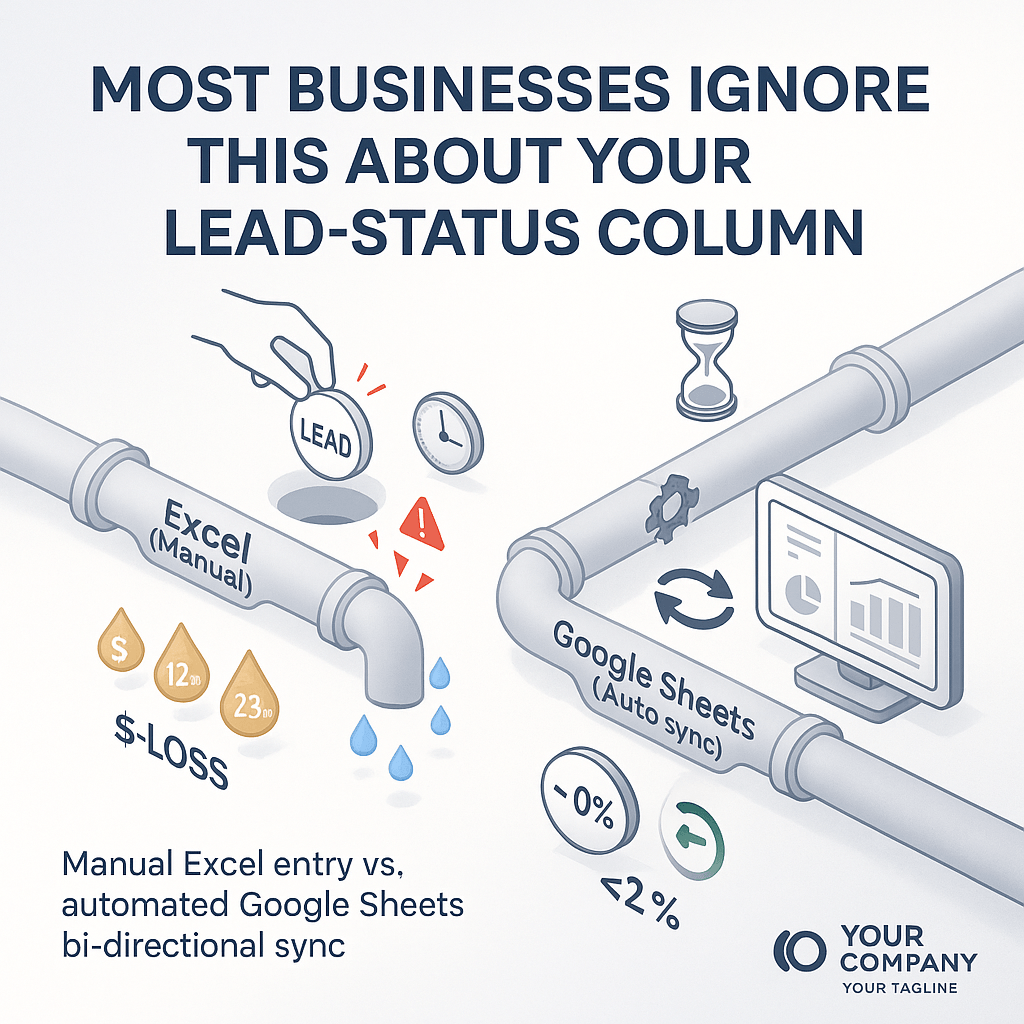
🚨 Lead Status column – the silent loss in your pipeline
Every time you update a lead’s status in Excel, you’re adding a few seconds of friction. Add that to thousands of leads and you’re looking at hours of manual work, missed opportunities, and, ultimately, lower revenue.
1️⃣ Human error is the real villain
A typo, a misplaced comma, or a badly copied cell can put a warm lead in a “cold” bucket. With a manual spreadsheet, a single mistake can ripple through your reporting and forecasting. In the UAE market, where deals move fast, that slip can mean a contract slipping away.
2️⃣ Time is money – Excel never learns
If you’re still training your team to manually sync data between Excel and Google Sheets, you’re spending every day recalculating scores, replicating lists, and waiting for the next manual export. A bi‑directional sync automatically updates both tools as soon as a field changes, freeing up valuable sales hours to close deals instead of chasing numbers.
3️⃣ Real‑time visibility kills waiting
Manual entry means you can’t see a lead’s progress until the next spreadsheet refresh. Automated Google Sheets + CRM sync gives you a live view of every status change. Decision makers get instant insights, and sales reps get the data they need right when they need it.
Bottom line: A single outdated “lead status” column is costing you time, causing errors, and denying real‑time insights.
💡 Upgrade to a real‑time, bi‑directional sync and watch your conversion rates climb while your team focuses on selling, not editing.
If you want this level of automation for your business, visit aiingo.com.